How Mobile Wallet Sync Changes One Hand Navigation in Mobile Gaming Interfaces
Thumb Reach and Screen Position
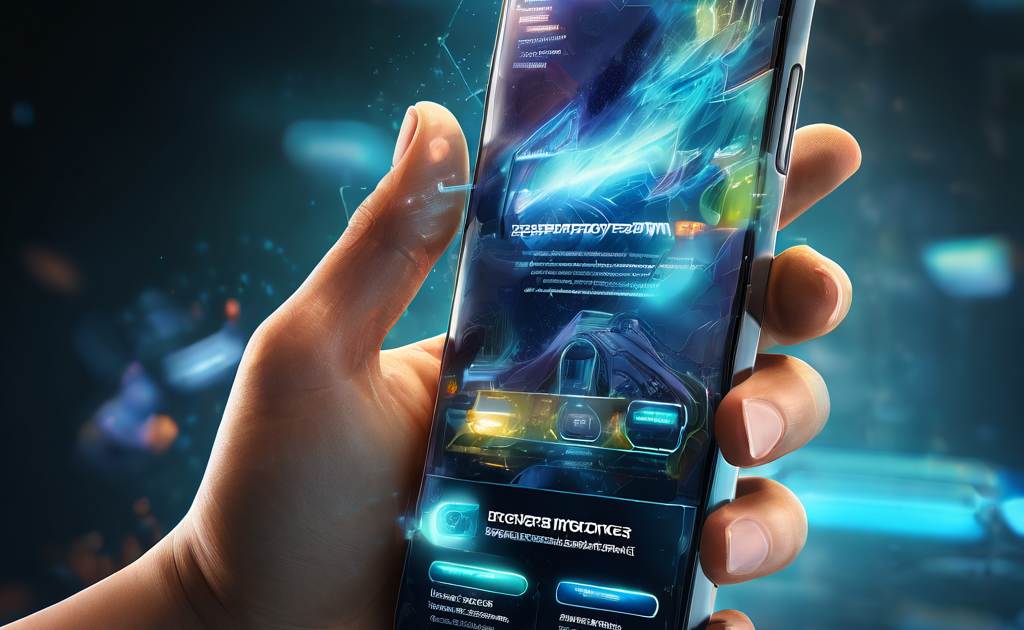
The first thing a reader notices when a mobile gaming interface shifts to wallet sync is where the balance label sits. Before sync, the balance number usually lives in a top bar or a sliding menu that requires a two-handed hold or a thumb stretch. After sync, that same number often appears as a floating badge near the bottom corner or inside a swipe-up drawer that the thumb can reach without shifting grip. Repositioning the balance changes how a reader reads their available funds mid-game. The thumb no longer has to leave the play area or curl around the screen edge. A badge instead of a bar is a small visible difference, but the hand movement changes from a full reposition to a simple tap or flick.
This shift matters most in games where checking balance often is necessary, such as timed betting rounds or multi-hand games. A top-positioned balance means the player either pauses play or risks a fumble. Pulling the balance into thumb range via wallet sync shortens the pause. The number appears, the next bet adjusts, and play continues without breaking the rhythm. The interface does not announce this change. One day the player just notices that the balance is no longer a stretch away.

Tap Reduction in Bet Adjustment
Mobile wallet sync often brings a second visible change: the bet slider or chip selector merges with the synced balance display. Before sync, adjusting a bet usually required opening a separate panel, confirming the amount, then returning to the game screen. That sequence took three taps and a glance at two different screen layers. After sync, the bet control and the balance readout sit on the same layer, often side by side or stacked in the thumb zone. One tap adjusts the bet, and the balance updates in the same view. The hand does not lift or shift. Reducing the tap count changes how a player approaches bet sizing during a session. Leaving the game screen to adjust a bet makes the player tend to set a size early and leave it.
Changing it feels like an interruption. With wallet sync, the adjustment becomes a continuous action, not a separate step. Nudging the bet up or down between rounds happens without the interface treating it as a menu detour. A cleaner screen is the visible result, but a different betting rhythm is the practical result — one where the hand stays in one place and the decision stays in the same glance.
Confirmation Overlay and Timing Pressure
Wallet sync also changes how the confirmation step appears. In older interfaces, a bet confirmation often opened a full-screen overlay that covered the game area. The player had to read the amount, tap confirm, then wait for the overlay to close before seeing the next round. That overlay forced the thumb to move from the play zone to the confirm button, then back. With wallet sync, some interfaces replace the full overlay with a thin confirmation strip at the bottom of the screen. The strip sits inside the thumb zone. Confirming happens without leaving the game view. This change introduces a timing pressure that was less noticeable before.
A full overlay gave the player a natural pause — the screen changed, the game paused, and the player took a moment. A strip confirmation keeps the game clock running. The next deal or spin starts behind the strip. The confirmation becomes a faster decision, not a slower one. Some players prefer this speed. Others find that the reduced visual separation makes them confirm amounts faster than they would with a full overlay. A smaller button in a lower position is the visible difference, but a shift in how much time the player has between seeing the amount and committing to it is the felt difference. This intense interaction window, where design alters risk acceleration, is exactly why operators track bonus buy menu closely in slot game lobbies. Because high-velocity shortcuts bypass the traditional pacing of a session, understanding how small UI adjustments change decision speed is critical to balancing high-turnover mechanics with sustainable player engagement.
FAQ
Question: Does wallet sync always move the balance to the bottom of the screen?
Answer: No. Some interfaces keep the balance at the top but add a thumb-reachable shortcut. Others move the balance into a bottom drawer that opens with a swipe. The change depends on how the game developer chooses to integrate the sync data. The common pattern is that the balance becomes reachable without a two-handed grip, but the exact position varies between games and updates.
Question: Does wallet sync affect how fast the balance updates after a bet?
Answer: Yes, but the visible delay depends on the sync frequency. Some wallets update the balance instantly after a bet is placed. Others update on a short timer, which means the balance shown in the thumb zone may lag behind the actual amount by a few seconds. This lag can cause confusion if the player adjusts a bet based on a balance that has not yet reflected the previous round. Checking the update timestamp or refresh icon near the balance helps avoid this mismatch.
Question: Can wallet sync cause accidental bets if the confirmation strip is too close to the play area?
Answer: It can. The compact layout that makes one-hand navigation easier also brings the confirm button closer to the tap zone for game actions. Some interfaces add a short hold delay or a swipe gesture to separate a quick tap from a deliberate confirmation. If the game does not include this separation, the player may want to check the tap sensitivity setting or the confirmation method before playing with one hand.